
Printing Lead Sheets
A lead sheet can be printed for a song by choosing File > Print.
The number of bars printed per row is determined by the current number of bars per row displayed in the song document window. Therefore to change the number of bars per row on the printed output, resize the song document window to get the desired layout before choosing File > Print.
For example, to print six bars per row, first resize the song document window to display six bars per row, as shown.
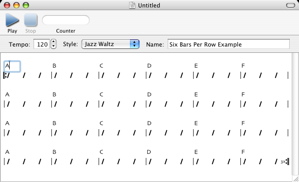
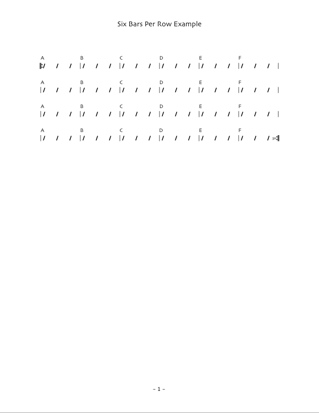
Then choose File > Print. Here’s a sample output.
Next: Using Audio MIDI Setup, Previous: Importing Files in Band-in-a-Box Format, Up: Help Topics.